











Soccabet gives Tanzanian bettors several ways to place wagers from a phone, tablet or computer. The dedicated Android app is one mobile option, but it is not the only one. A lightweight mobile website, a Lite interface and the full desktop browser experience may suit different devices and connection speeds. This guide explains how each option works and what to check before installing anything.
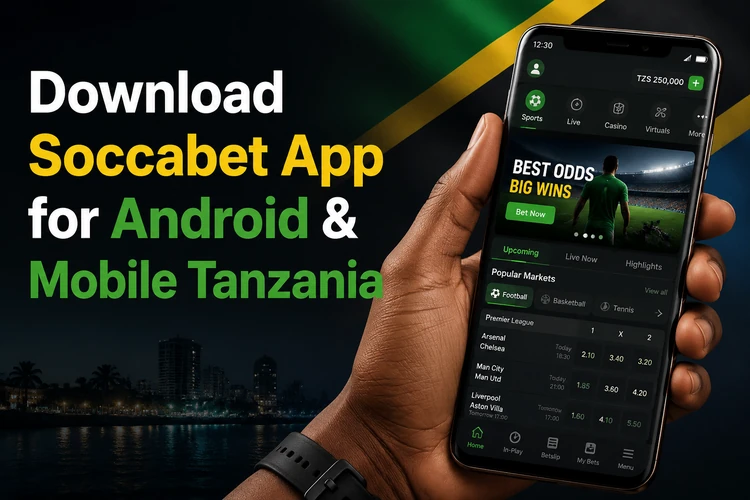
The app is intended for Android devices, while the browser versions also work on iPhone, tablets and computers. Features can vary with the current release and the device, so use the official site as the starting point and review the permissions shown during installation. Keep your login details private and only use the service if you are 18+ and located where online betting is permitted.
Why Use the Soccabet App?
Opening a mobile website each time you want to check odds means launching a browser and waiting for the page to load. The Soccabet app places a shortcut on your home screen and uses an interface designed for touch screens, with larger controls and a bet slip that is easier to review on a small display.
Data use is another practical consideration. An installed app may store some static elements, such as menu layouts and sport icons, on the phone, although live odds and account information still require an internet connection. If you use a pay-as-you-go data bundle, monitor consumption and close other data-heavy apps. A browser remains useful when you do not want to grant installation permissions or use storage space.
How to Download the Soccabet App
The Android app is downloaded from the Soccabet website rather than the Google Play Store. Open your phone browser and enter soccabetttz.com directly. Look for the mobile app or download area, check that the address is correct, and tap the download control shown for your device. The APK file should then appear in your browser's downloads list.
A download from outside the Play Store can trigger a security warning. This is expected for an APK, but it is also a reason to avoid links shared through unknown websites, adverts or messaging groups. Confirm the file source before opening it, and do not provide payment details on a page that looks different from the official service. The file itself should not require payment before download.
Android Installation Guide
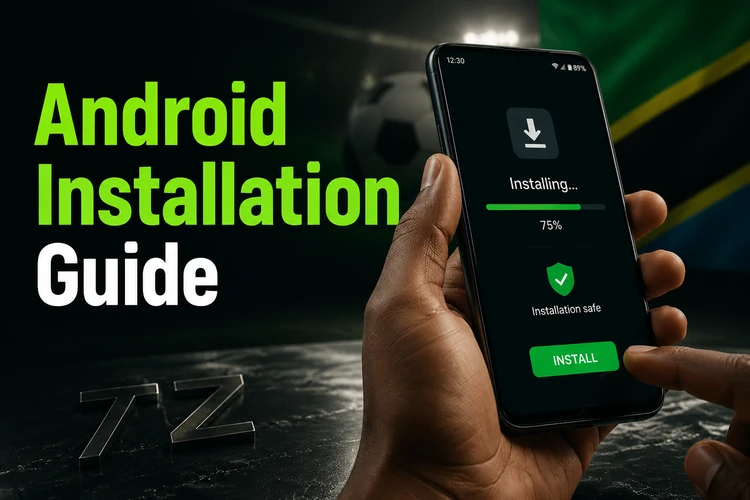
After the APK has finished downloading, use this installation sequence on an Android phone or tablet:
- Step 1: Open the notification shade or a file manager and select the downloaded APK.
- Step 2: If Android asks for permission, open Settings and allow your browser or file manager to install unknown apps.
- Step 3: Return to the file and select Install. Review the permissions before accepting.
- Step 4: Wait for the installation to finish, then open the app and sign in.
Once the app opens, use the same account credentials as on the website; a separate mobile account is not normally needed. You can access the login page if you need to check your account first. If the installation fails, confirm that the phone has enough free storage, that Android is updated, and that the download completed without interruption. When the process is complete, you can turn off the permission for unknown app installations again.
APK Download
APK means Android Package Kit, the file format Android uses to install applications. It is useful when an app is not distributed through an app store or when a user needs to install a file manually. The important issue is the source: an APK from an unknown third party may have been modified or bundled with unwanted software.
Download the file only from the official Soccabet website and inspect the browser's file details before opening it. If the download stops partway through, delete the incomplete file and start again rather than attempting to install it. Keep Android's security tools active, install system updates, and avoid granting permissions that do not relate to the app's stated function.
Updates are normally installed by downloading a newer APK and opening it on the same device. Android should recognise the existing installation and offer an update. Do not uninstall the current version unless support specifically instructs you to do so, because removing it may erase locally stored settings. Check that the account still opens correctly after an update.
APK for Tanzania
Users in Tanzania should start from the local Soccabet website and confirm that the page and currency information match their account before downloading. Available payment methods, sports markets and language settings can depend on the service configuration and may change, so check the options displayed at the time you use the app rather than relying on an old guide.
There is no need to search for a separately named regional file. If the official site presents an Android download for your device, follow that route. Do not install a second APK from another source simply because its description mentions Tanzania. A stable Wi-Fi connection is preferable for the initial download, while mobile data can be used if the file size and your bundle allow it.
Using iPhone and desktop
No native iOS app is currently available in the draft's stated service information for Soccabet. iPhone and iPad users can instead open the responsive mobile website in Safari or Chrome. Adding the page to the home screen creates a shortcut, but it does not turn the browser into a native app and will not provide every app-specific function.
On a computer, open soccabetttz.com in a current browser. A larger screen can make it easier to compare markets, review a bet slip and follow a live event, while the browser version avoids installing an unknown desktop program. Keep the browser updated, use a private password and sign out on a shared computer.
Lite Version and Mobile Website
The Lite version is a reduced web interface for older phones or slower connections. It may use fewer images and simpler menus, which can shorten loading times and reduce data use. It is worth trying when the full site is slow, but a lighter layout can also mean fewer visual details or less convenient access to some newer functions.
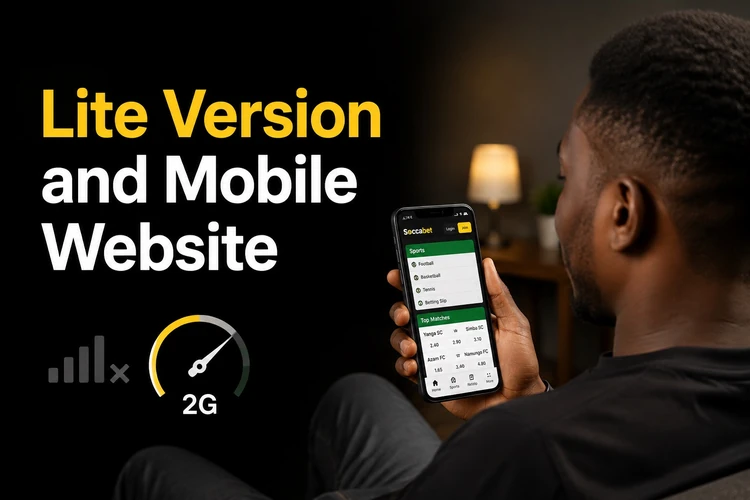
The standard mobile website sits between the Lite version and the installed app. It runs in the browser, so there is no APK to store or update, and it can be used on both Android and iPhone. The trade-off is that browser notifications and cached content may be more limited. Clear browser cache only when necessary, as doing so can remove saved preferences and sign-in sessions.
| Option | Android | iPhone | APK | Mobile site | Desktop |
|---|---|---|---|---|---|
| Android app | Yes | No | Yes | No | No |
| Mobile website | Yes | Yes | No | Yes | Yes |
| Lite website | Yes | Yes | No | Yes | Yes |
| Desktop browser | Yes | Yes | No | No | Yes |
Choose the app if you use Android regularly and are comfortable with manual updates. Choose the Lite interface when data or device performance is the main concern. The mobile site is the simplest choice for iPhone users and anyone who does not want to install software. Use the desktop browser when a larger screen helps you review markets. All options require an internet connection and are intended for users aged 18+.
FAQ
Open a mobile browser, enter soccabetttz.com directly, and use the Android download control shown on the official site. After the APK finishes downloading, open it from your downloads list and follow the installation prompts. You do not normally need to register before downloading.
It is safer when the file comes directly from the official Soccabet website. Avoid third-party APK pages and files shared through unknown links, because they may have been modified. Android may ask you to allow installation from unknown apps; review the permission and disable it again after installation if you prefer.
A native iPhone or iPad app is not currently available in the stated service information. iOS users can use the responsive website in Safari or Chrome and add a home-screen shortcut for quicker access.
There is no downloadable desktop application described here. Open soccabetttz.com in an up-to-date browser instead. A computer can provide more space for reviewing markets and bet slips without requiring an additional program.
Lite is a lighter web interface intended for older phones or slower connections. It generally uses simpler menus and fewer heavy images, although some visual details or newer functions may differ from the full mobile experience.
Check the official website for a newer APK and download it to the same Android device. Open the file and install it over the existing app so Android can update it. Avoid uninstalling the current version first, and verify that the app opens normally afterward.